
Technical Support
Center
Find product information, prepare the right technical details and get assistance with your automotive programming and diagnostic equipment. ARMS support covers PCMflash 1.43 5C and JalTool Diagnostic.
How Can We Help You?
Select the product you are using to find relevant product information, compatibility references and support guidance.
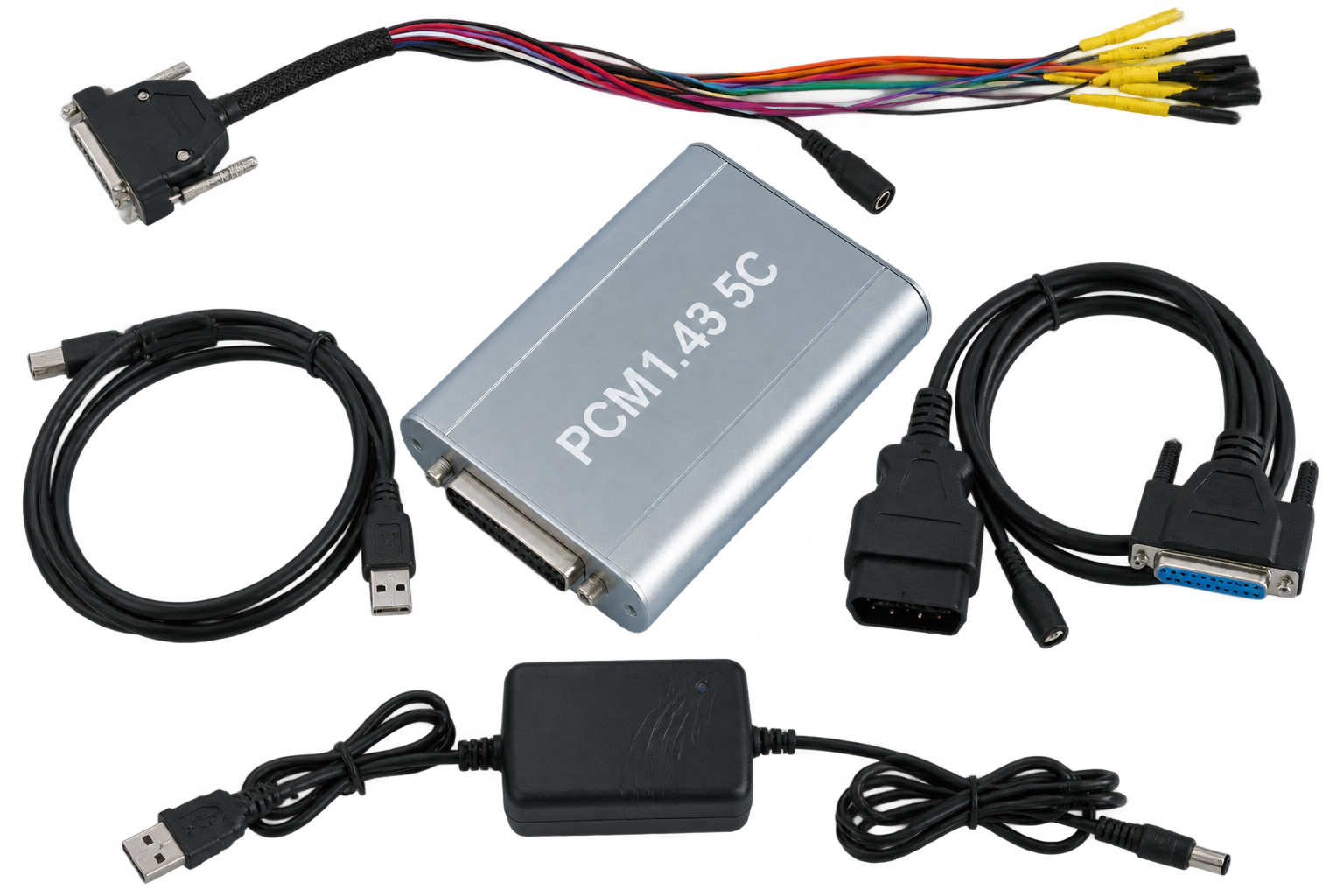
PCMflash 1.43 5C
Support topics for ECU and TCU programming, module identification, supported controllers and connection preparation.
View PCMflash Information →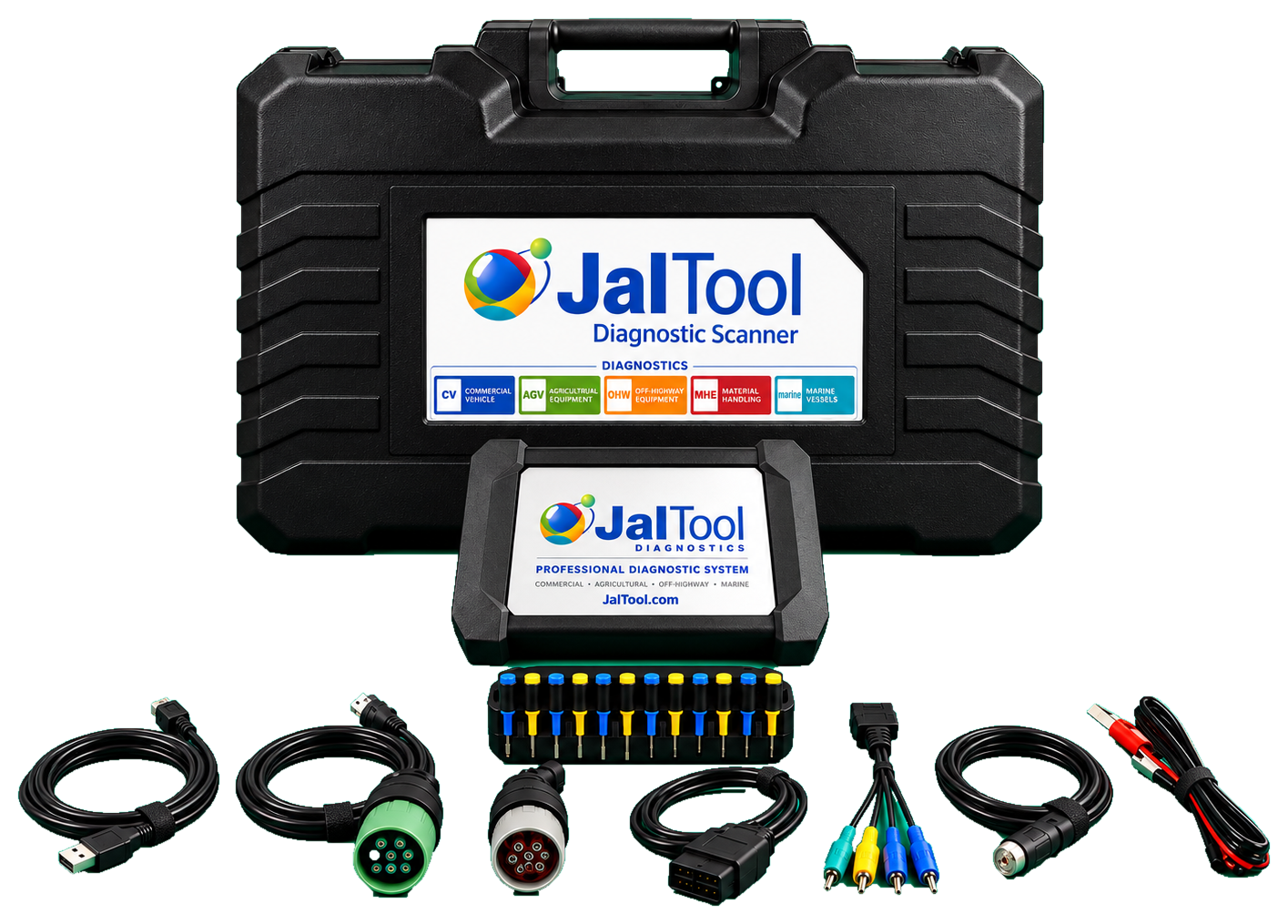
JalTool Diagnostic
Support topics for vehicle coverage, diagnostic applications, equipment setup and vehicle connection checks.
View JalTool Information →Before Contacting Support
Providing complete information helps us understand your setup and investigate the issue more efficiently.
Identify Your Product
Tell us whether you are using PCMflash 1.43 5C or JalTool Diagnostic.
Describe the Vehicle
Include make, model, model year, engine and vehicle identification details where appropriate.
Share Technical Details
Provide ECU/TCU part numbers, hardware and software numbers, module selection and connection method.
Attach Evidence
Include clear photos, screenshots and the exact error message or operation step where the issue occurs.
What Information Should You Send?
Use the checklist for your product before submitting a support request.
PCMflash 1.43 5C
- Vehicle make, model, year and engine.
- ECU or TCU manufacturer and exact part number.
- Hardware number, software number and processor, if known.
- PCMflash software version and selected module number.
- Connection method: OBD, Bench or Boot, as applicable.
- Screenshot of the error message and the operation stage.
JalTool Diagnostic
- Vehicle category, brand, model and model year.
- Vehicle identification details or machine model, where available.
- Engine and ECU/diagnostic controller information, if known.
- JalTool software version and selected vehicle system.
- Connection method and cable or adapter being used.
- Screenshot, diagnostic report or exact error description.
Basic Troubleshooting
Check these general items before repeating a programming or diagnostic operation.
Power Supply
Verify that the vehicle battery and external power supply are stable and suitable for the procedure. Do not interrupt power during ECU writing.
Cables & Connections
Check connector orientation, pin assignment, ground and communication wiring against the correct wiring diagram for the exact ECU or vehicle.
Software & Drivers
Confirm that the correct software version, device driver and licensed module are being used for the intended operation.
Frequently Asked Questions
How do I check whether my vehicle is supported?
What should I do if the software displays an error?
Can I use the same connection method for every ECU?
What information is needed for a compatibility check?
Where can I find product information?
Need Technical Assistance?
Send us your product details, vehicle information and a clear description of the issue. Our team can review your request and help you identify the next step.
ARMS · Automobile Remapping & Modification Specialist